

The Uplift Blog
.png)
In 2025, Google Cloud went down globally for roughly three hours. This happened because of a simple configuration change that left blank fields, and within seconds, it was replicated across the entire service.
Google’s own incident report was blunt about the root cause. They admitted they did not have appropriate error-handling measures, such as feature flags, in place.
A config value broke production. But a feature flag would’ve stopped it.
A remote config and feature flag both change production behavior without a redeploy. That’s what makes the boundary hard to see.
In this article, we’ll explore the differences between feature flags and remote configs and when it makes sense to use either or both.
What’s the difference between a feature flag and remote config?
A feature flag decides whether something happens with your code. Remote configuration decides what a value is. Both of these functionalities live outside your codebase, and both change without redeploying code. That’s why many developers conflate them.
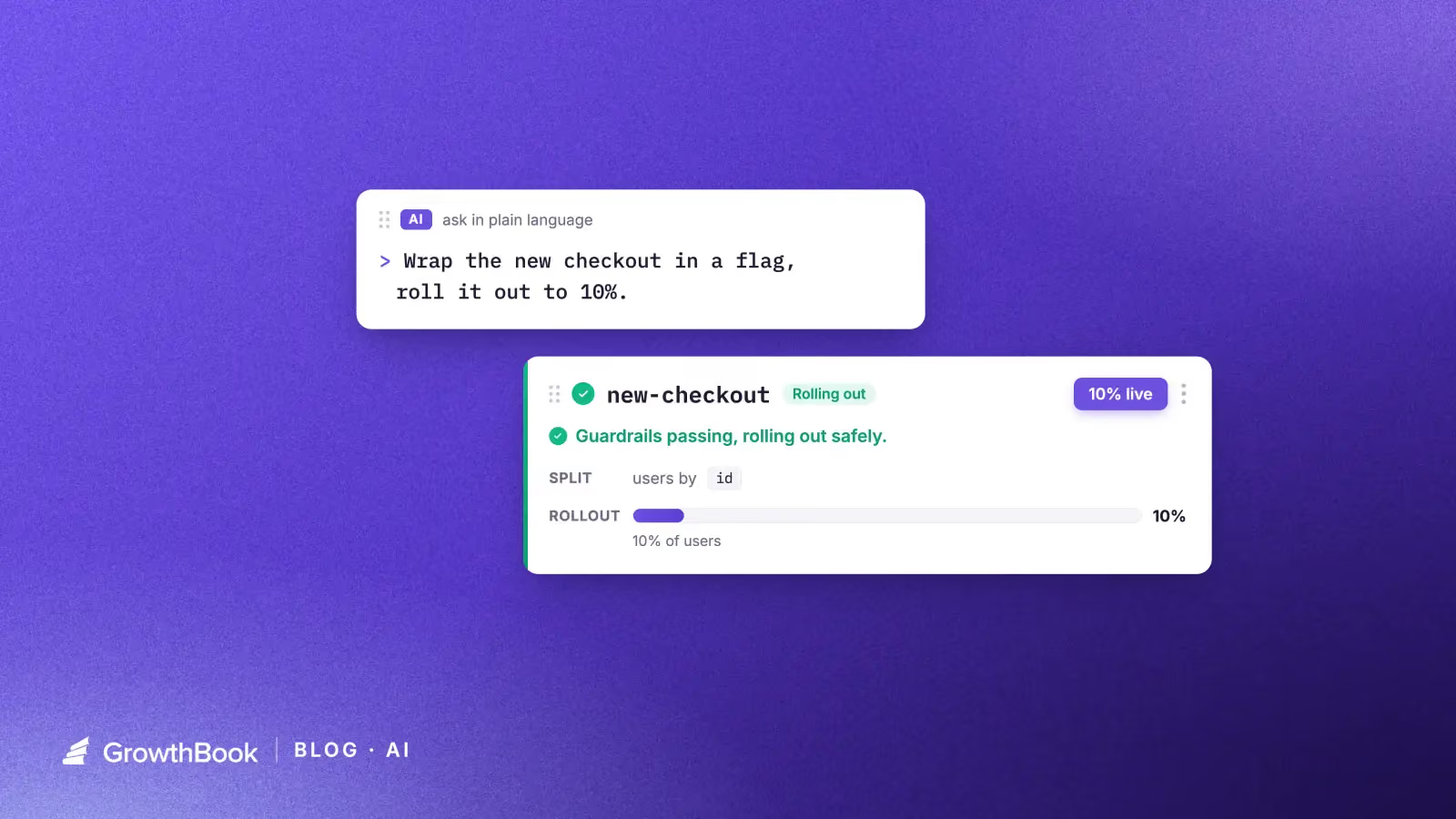
Let’s say you’re rebuilding a checkout feature. The initial rollout is 10% of users while you monitor error rates, and the payment service it calls has a rate limit you can tune as traffic increases. The checkout page has a JSON object that controls field order and input density. So, in this case, the flag asks who should experience the new checkout flow, while the config values such as the rate limit and layout object define how the system behaves once you’re in it.
Now, the difference is clear in how you target different aspects of your infrastructure and what the payload is meant to do.
For instance, flags evaluate only against specific user attributes, such as geography or device type. If two users hit the same endpoint, they see different answers depending on their attributes. Remote configuration can do the same thing. You can serve the same value across an entire environment or segment them based on certain attributes like geography. But the focus is on what value a setting holds (the payload) and not on who should see a feature. In either case, the value is permanent and continues to stay in your codebase, unlike a feature flag.
Here are a few other differences between feature flags and remote configuration:
| Feature flag | Remote configuration | |
| Question it answers | Who should experience this? | What should this value be? |
| Typical value | Boolean | String, number, JSON |
| Evaluated against | User attributes | Environment, project, or user segment |
| Expected lifespan | Weeks to months | Indefinite |
| End state | Removed from the codebase | Updated in place |
| Who changes it | The team that is shipping the feature | The team that owns the system |
The method you reach for works the same way in the codebase, too:
// Feature flag: should this user see the rebuilt checkout?
if (gb.isOn("new-checkout-flow")) {
  renderNewCheckout();
}

// Remote configuration: what rate limit applies here?
const rateLimit = gb.getFeatureValue("payments-rate-limit", 100);
isOn() returns a boolean and gates a block of code. getFeatureValue() returns a value your application then uses—along with a fallback for the moment before the SDK has loaded.
Typically, developers see this type of configuration in Firebase Remote Config for the first time, but it’s possible on other platforms like GrowthBook as well.
What happens when feature flags and remote config overlap in your infrastructure?
Many feature flagging platforms (including GrowthBook) now support string, number, and JSON values. So if you put a specific feature, for example, your pricing tiers in a JSON flag, you’ve built a remote configuration service inside a flagging platform.
Firebase had covered similar ground—but in reverse. So, it added progressive rollouts and per-user targeting to an existing config service.
You can no longer separate a platform based on whether it’s best for feature flagging or remote configuration. In fact, several studies treat feature toggles and remote configuration as belonging to the same family of techniques. If the academic community can’t always clearly differentiate between the two, engineering teams shouldn’t expect to either.
That said, here’s what happens when they overlap within the same platform:
1. Intent and lifecycle
The intent of the capability changes how long it stays in your codebase. Remote configuration is usually permanent by design, while toggles are (mostly) temporary—unless it’s a kill switch.
For example, a rate limit is tuned over years and stays useful the whole time. But a rollout feature flag’s utility ends the minute you reach 100% rollout. If you serve the same value from a flag for more than 12 months and it stops working as a release control, then that’s just an undocumented config.
In either case, if flags or config remain in your codebase with no use whatsoever, you’re dealing with a stale flag. And once they pile up, you’re leaving more room for unnecessary incidents.
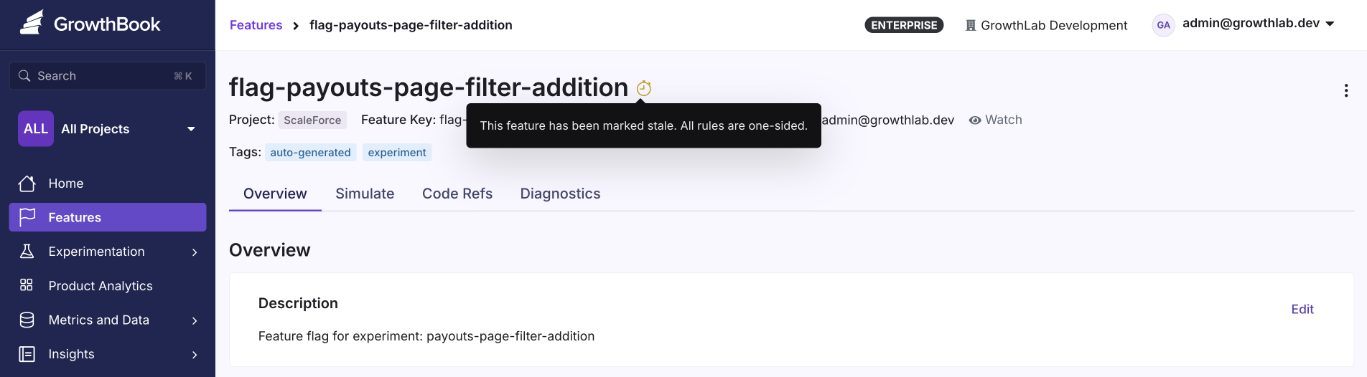
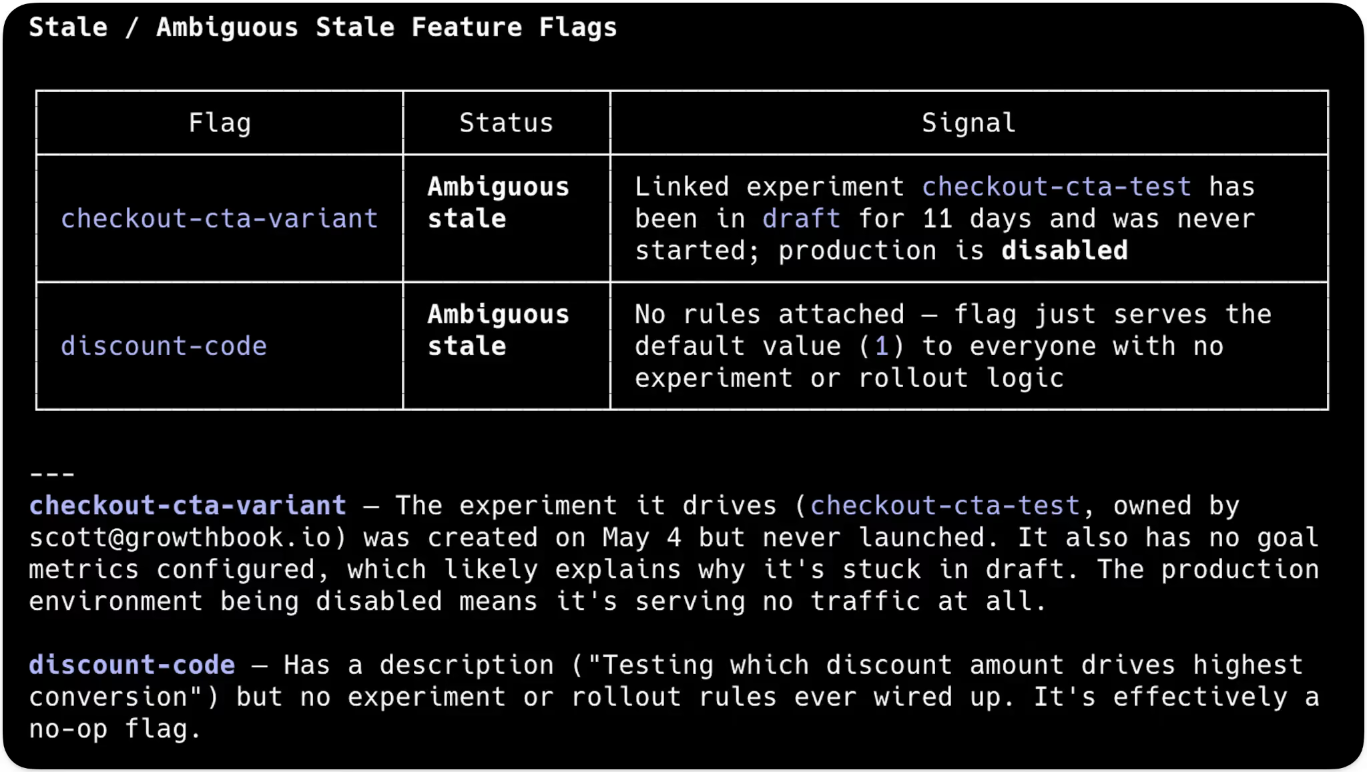
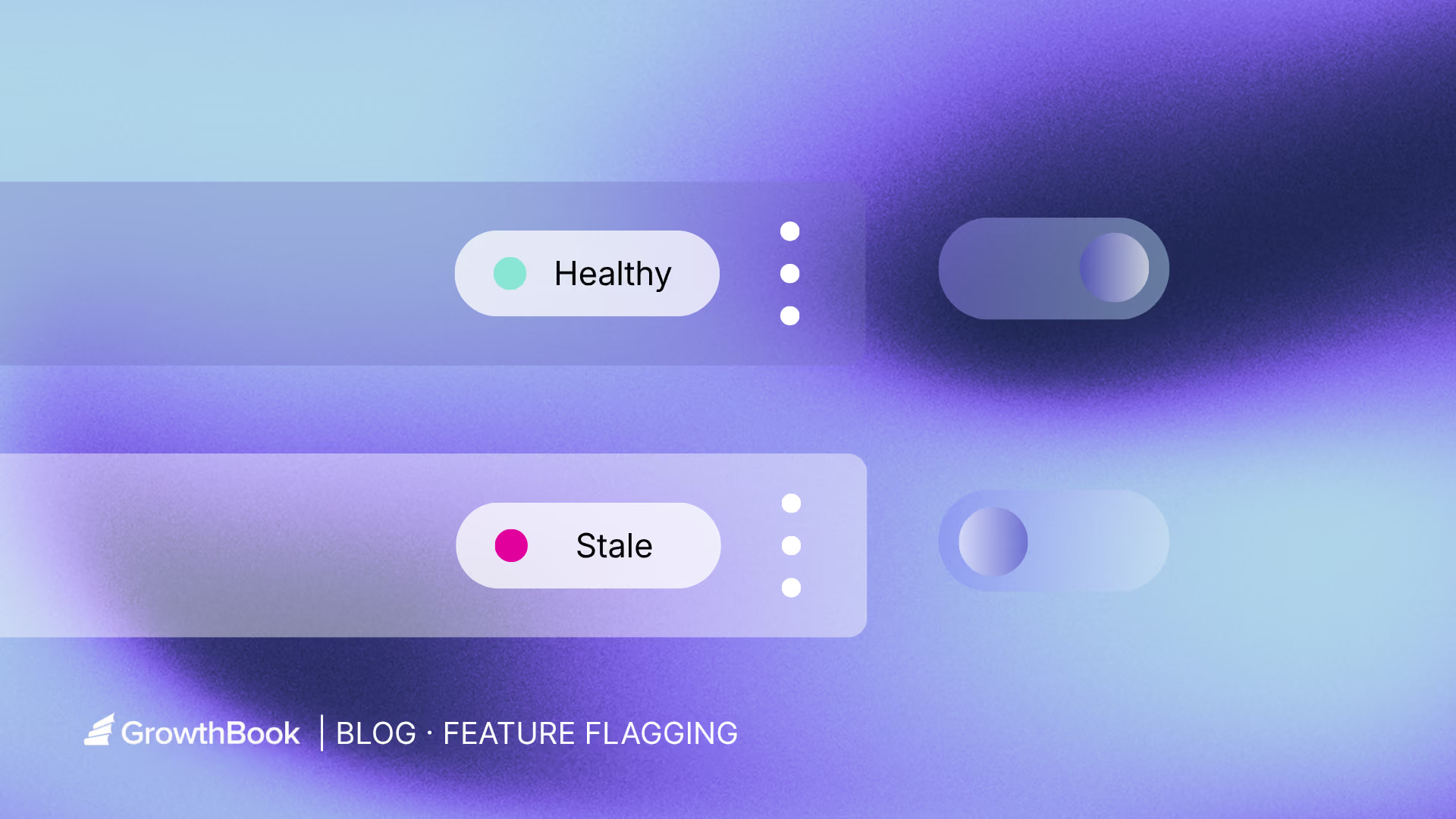
Tip: If you’re using a feature flagging platform like GrowthBook for both purposes, take advantage of the Stale Detection feature to clean up unnecessary config or flags. It’ll alert you if the flag has no active environments or if it sends all its traffic to a single variation. That’s your cue to clean it up.
2. Targeting
If you’re unable to figure out whether you have a feature flag or remote config in place, just open the flag and review its rules.
If the value is making your code branch an if/else where only one path runs, you have a feature flag, whether it's temporary or permanent. For example, it could be a checkout button rollout which is temporary or even a kill switch that's more permanent.
But if the code consumes the value directly, you have a remote configuration. For example, a rate limit for your service or a layout JSON your UI renders. Here, the code runs on the same path but only the parameter or payload changes. There's no dead branch to clean up because you didn’t create any. It’s a permanent value.
3. Auditability and ownership
Whether you’re working with feature flags or configs, you need versioning.
When someone on your team drops your checkout service’s rate limit from 100 to 50 requests per second and latency spikes, the first question is who made that change and what the previous value was. An audit log solves that problem because an unversioned config can create production failures.
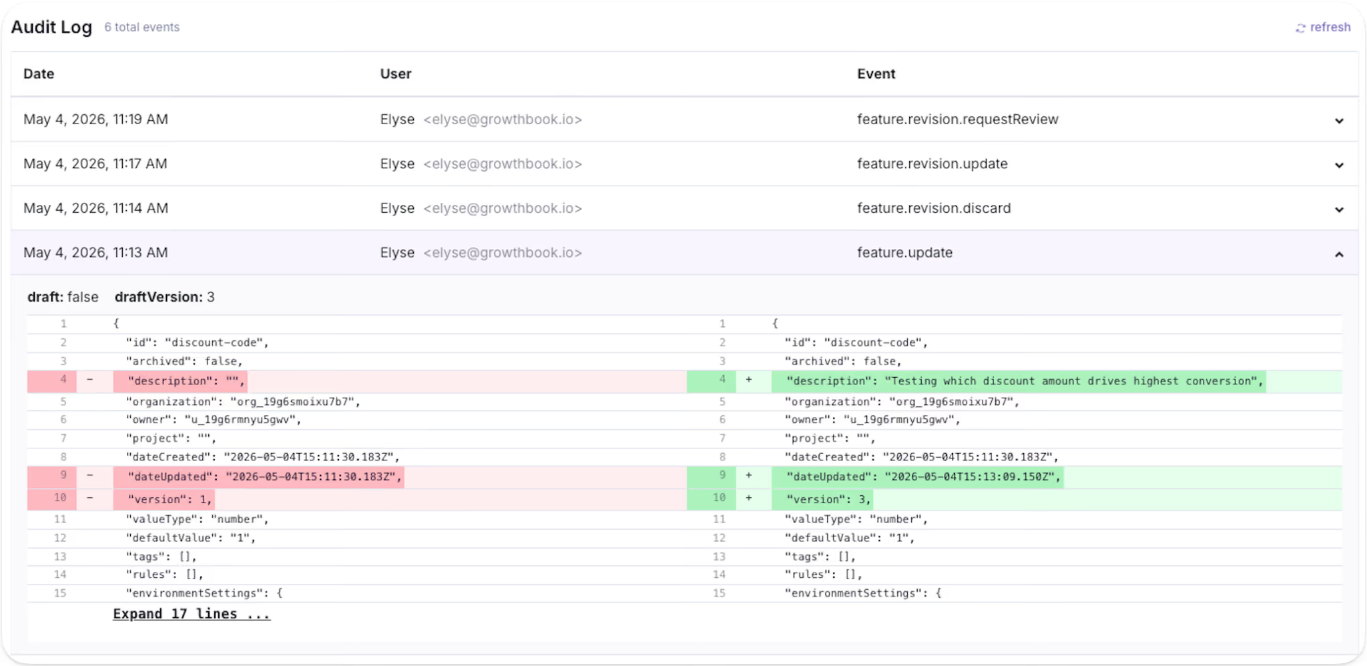
But feature flags need lifecycle management in addition to versioning. When you’re creating them, you need to assign an owner and expiry date. If you don’t do this, you’ll increase your software’s technical debt, which only increases the surface area of failure over that period.
This is all to say that both of these techniques need governance, but the measures look different.
When does using feature flags as remote config become a problem?
You can run flags and config through the same platform. The problem starts when you run them through the same mental model. Here’s why:
1. Stale flags that become undocumented configuration
As you keep creating more flags or configurations, your codebase becomes more cluttered over time. In fact, a 2026 study found that feature toggles in Kubernetes stay in the codebase for a median of 734 days, while they stay for 185 days in GitLab. Stale flags are the norm, so you need to prepare for that.
Within GrowthBook, you can identify dead code snippets using the Stale Detection feature. If you’re using the MCP, the platform also offers agent skills to find flags and clean them up without leaving your AI agent.
2. Too many active flags create points of failure
Every flag you create results in 2n possible code paths. For example, 10 active flags create 1,024 possible code paths while 20 create over a million. Only a few of those combinations are valid states for your product, and you can’t test the rest. Even though only 7% of toggles interact directly with each other, toggle interactions grow by an average of 22% over time, so complexity increases with every flag you leave in place.
3. Storing secrets and API keys in flag payloads
Since feature flag payloads are cached client-side, anything inside them can appear in browser dev tools. Typically, API keys and credentials should be stored in a secrets manager or in environment variables to avoid this issue.
If you’re using a feature flagging or remote configuration platform, make sure it offers the necessary protection. For instance, within GrowthBook, the server-side SDKs keep the full payload in a secure environment where it never reaches the browser.
Remote evaluation takes it a step further by evaluating them server-side and returning only the resolved values to the client—so rules and unused variation stay hidden.
4. Config changes that ship without release controls
In 2024, CrowdStrike shipped a content configuration update to every Falcon sensor, and the change didn’t contain any new code. It took down millions of Windows systems globally, resulting in a $5.4 billion loss for the company.
Even Cloudflare’s November 2025 outage happened because an internally generated config file doubled in size past a hardcoded ceiling. The company responded by hardening config generation and enabling more kill switches.
In both cases, the company shipped a config change globally and eventually concluded that the config needs the same controls that feature flags already give you. That’s because config carries the same risks as standard deployments, so you should treat it the same way.
How to choose between feature flags and remote config for development
Here are a few questions you can run through before choosing the right technique:
| Question | Flag | Config |
| Is this temporary, and will you clean it up? | Yes | No |
| Does it target specific users differently? | Yes | Depends on the payload value |
| Is it part of a rollout? | Yes | No |
| Will deleting the code be part of the work? | Yes | No |
| Is it risky if two of these are on at once? | Yes | No |
| Is it a system setting that applies broadly? | No | Yes |
| Does it need versioning more than lifecycle management? | No | Yes |
| Do non-engineers need to change it regularly? | No | Yes |
If you get the most yeses in the feature flag column, create a flag and use it for your rollout. If most of the yeses sit in the config column, use your flagging platform or a dedicated remote config system to create the config.
For the latter, you can use a string or JSON flag with a clear permanent-value intent and give it a rule that applies to every user.
How GrowthBook supports feature flagging and remote configuration
The Google Cloud outage started with a config value and eventually led to the realization that feature flagging would’ve solved this problem. That’s one of the reasons GrowthBook was built as a single feature primitive with four value types rather than two products bolted together.
A few ways GrowthBook does both jobs well:
- Feature flags and remote config: Every feature has a key, a type, a default value, and rules per environment. Boolean features run through isOn() for releases, while string, number, and JSON features run through getFeatureValue() for configuration.
- JSON schema validation: It enforces structure on non-boolean flag values—you define the allowed shape, and the platform rejects invalid entries before they reach production. The raw JSON editor becomes a generated form with typed fields and inline validation errors.
- Rules: You can use targeting rules across all four value types and serve different configurations per segment when you actually need them.
- Audit logs: You can review draft revisions and audit logs to answer who changed a value and when, with approval flows for changes that need a reviewer.
- Stale detection: This feature surfaces flags that stopped making decisions, and Code References show you where the dead code is present. You can decide whether to keep or remove it.
- Configs: The platform also ships dedicated Configs, which are typed and validated JSON objects with schema enforcement and per-environment overrides.
- Constants: It’s present alongside Configs and is a reusable value you define once and reference across multiple flags. These give long-lived configuration its own first-class object inside the platform rather than treating it as a side effect of a non-boolean flag.
If you want to see how GrowthBook handles feature flags and remote config in one place, start for free or book a demo with us today.

.avif)



Designing experiments that produce trustworthy results: a pre-launch guide to validity threats
.png)
.png)


Ready to ship faster?
No credit card required. Start with feature flags, experimentation, and product analytics — free.

