

AI Visual Editor: from idea to live experiment in minutes
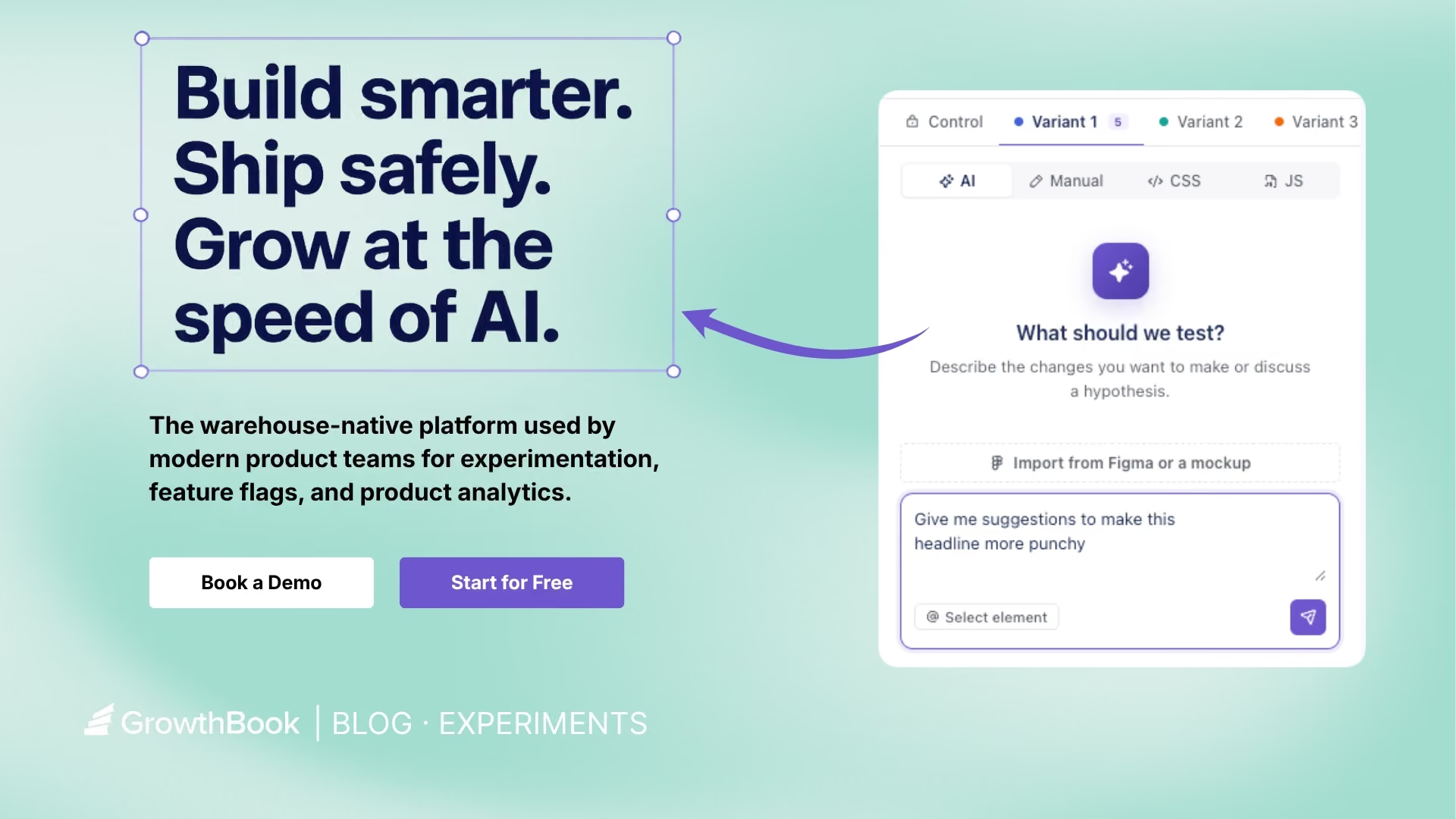
GrowthBook’s AI Visual Editor lets anyone on your team go from idea to live experiment in minutes, without touching code. It's a way to scale experimentation beyond one team and across your whole organization.
Just describe the change you want in plain language. The editor handles the rest. No code, no dev ticket, no flicker. The result is a fully configured A/B test ready to launch from your GrowthBook account.
The AI Visual Editor is available on GrowthBook Pro and Enterprise plans.
How does GrowthBook’s new AI Visual Editor work?
The AI Visual Editor is a Google Chrome extension. Open it, connect to your GrowthBook account, and immediately get started. The extension stays in the sidebar and doesn’t overlap your page.
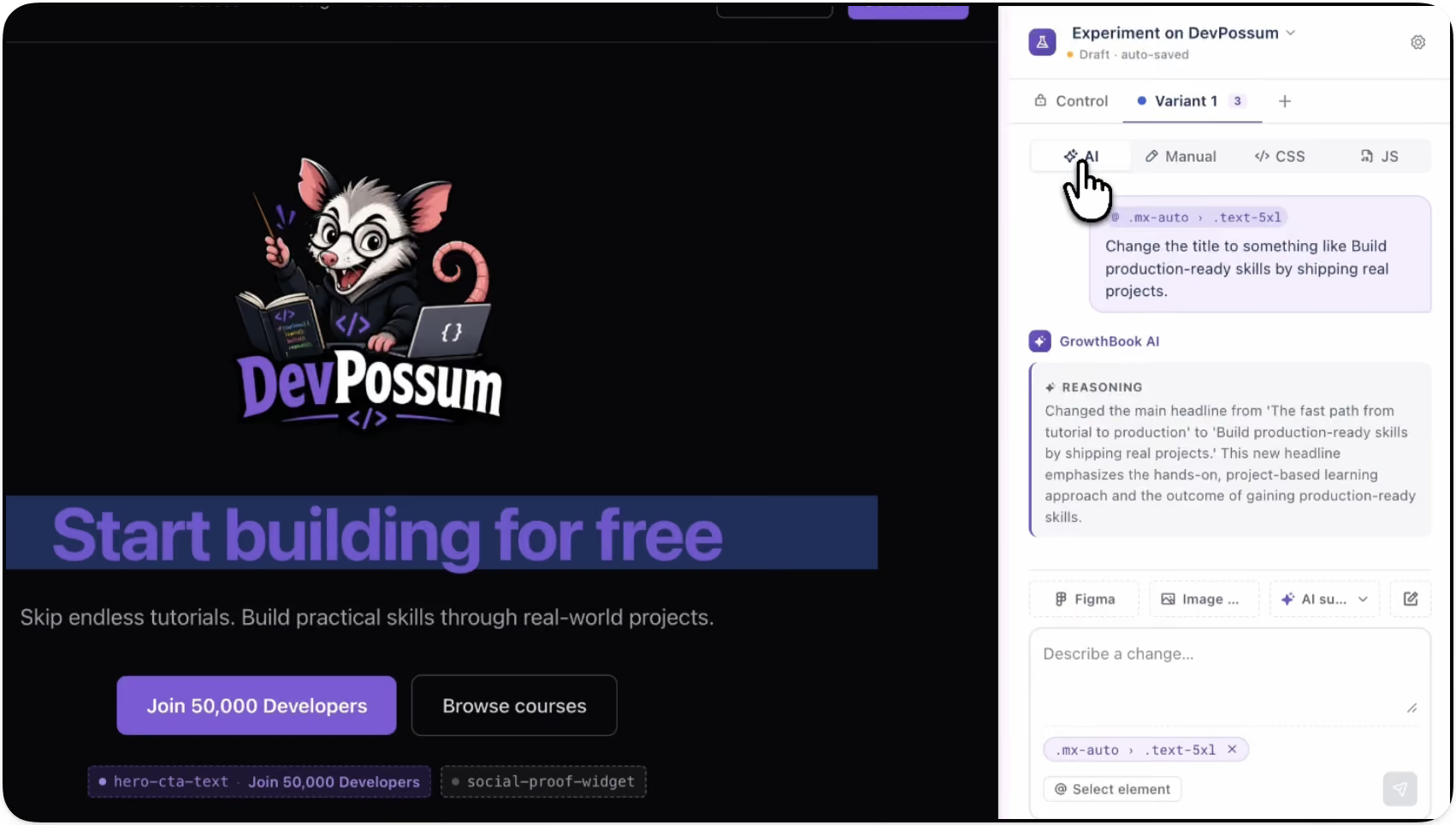
Describe the change you want, such as “make the headline larger and move the CTA button directly beneath,” and the editor will generate a variant in seconds.
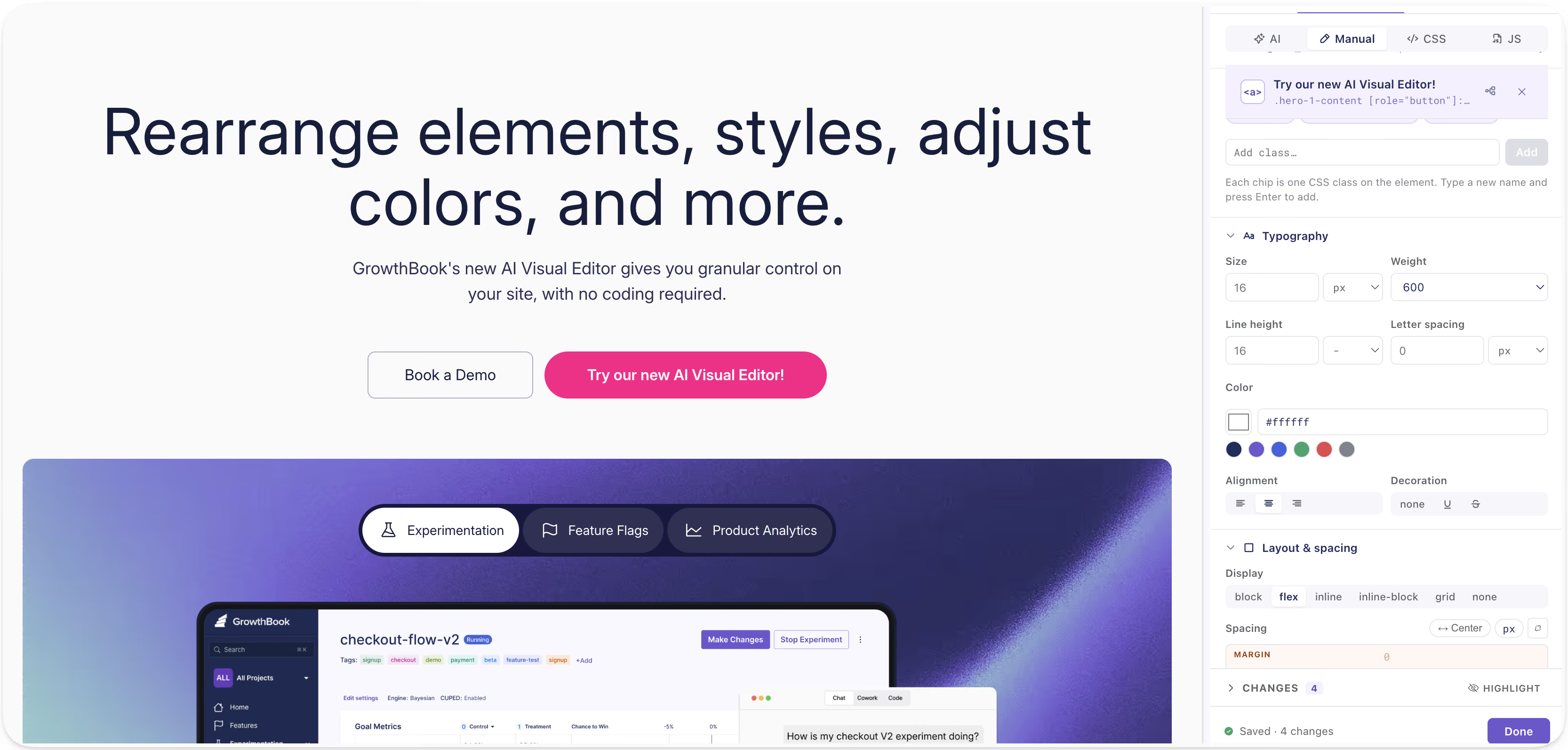
There's no code to write. The editor understands the structure of your page, applies the change, and connects it directly to a GrowthBook experiment. You prompt, then preview your changes in real time without ever leaving the browser. If you want more control, you can use the manual editor to do fine adjustments.
Key features
AI-generated image creation and visual testing
The AI Visual Editor is a powerful creative tool. Describe the image you want and the editor generates it in real time, along with options you can place into the right spot on your page and size to fit exactly. Test hero images, product photos, background visuals, and more, iterating until you get what you want without a designer or a design file.
It’s a quick way to immediately see changes in context and visually brainstorm live before you build anything. Once you’re aligned on variations, publish and A/B test new designs in minutes.
Images are stored in GrowthBook’s image storage bucket and served from a CDN-fronted URL so SDKs can fetch them efficiently when delivering variations.

Design updates and layout changes
Beyond text and images, the AI Visual Editor also lets you adjust fonts, colors, padding, button styles, layouts, and more all through prompts or via the manual editor.
Make design decisions without mocking anything up or writing a line of code. Try it, see how it looks in context, and decide if it's worth testing before it goes live.
Import from Figma or an image design
You can quickly turn a Figma frame or mockup image into a testable variation. Import the file into the AI Visual Editor and it will rebuild it as a new component, placing it on the page as a variation. You can also add additional context as to how the AI is to implement the design. This makes it easy to test designs your team has mocked up, such as a new hero, redesigned pricing card, modal window, or promo banner.

What use cases does this work well for?
Landing page optimization and headline testing
The AI Visual Editor is ideal for landing page optimization, such as testing headlines, messaging, copy order, and structure. Use AI to generate variant ideas, preview them directly on the page, then launch the test in minutes.
Promotional banner and offer testing
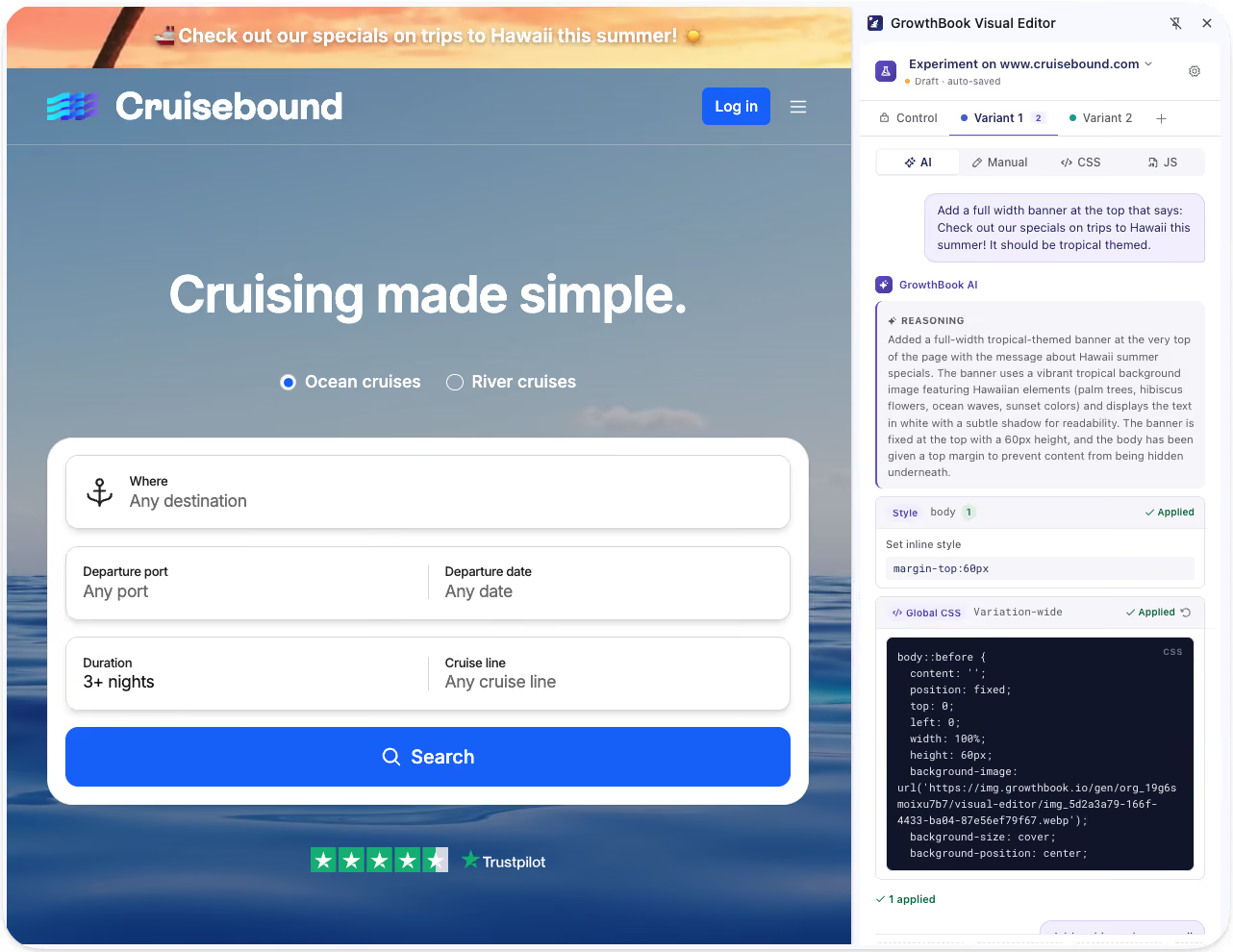
Test things like the impact of a promotional banner on bookings to Hawaii. The AI Visual Editor lets you build and swap promotional messaging directly on the page. Run the experiment, read the results, and roll out the winner.
With GrowthBook’s feature targeting capabilities, you can deliver different promotions to different audiences based on the criteria you choose, personalizing as you see fit.
Experimentation for every team
The AI Visual Editor expands experimentation across your organization by putting the ability to build and launch tests directly in the hands of the people with ideas, regardless of technical skillset.
- Marketing and growth teams can independently run their own tests on landing pages, campaigns, and offers.
- Teams that want to move fast can go from idea to live experiment in minutes without touching a line of code.
- Product and design teams can validate new layouts, messaging, and user flows before investing engineering time.
- Developers can stay focused on higher-complexity work instead of implementing every copy or design test.
By unlocking experimentation across your organization, you get more tests, more learning, and faster iteration for everyone. It also improves collaboration by giving marketing, growth, and product teams shared visibility into what's working, so no one operates in a silo.
Your existing guardrails stay in place
The AI Visual Editor handles the creative execution by generating variants, applying changes, and wiring up the experiment, but everything still runs through the GrowthBook platform. Your approval and review workflows, as well as existing processes, remain in place, so your team maintains governance and control.
Get more out of your experimentation platform
The ability to go from idea to experiment in minutes, without engineering support, means more people can run experiments than ever before. And when more people can run experiments, it results in more learnings, faster and more informed decisions, and improvements that compound over time.
Try out the AI Visual Editor (beta)
The AI Visual Editor is currently in beta. Try it today, share your feedback directly with our team, and connect with other users in our community Slack channel.
Related articles
.png)
Ready to ship faster?
No credit card required. Start with feature flags, experimentation, and product analytics — free.

