How AI Visual Editing Helps Teams Run More Experiments Without Engineering
After reviewing some user research, a marketer who knows what to change can write new copy for a landing page in 20 minutes, but testing it can take weeks. In many organizations, the marketer needs to open an issue, wait for a developer to build the variation, and then wait for code review before the test can launch. When the landing page supports a time-limited campaign, such as a holiday promotion, sometimes the campaign even ends before the test launches.
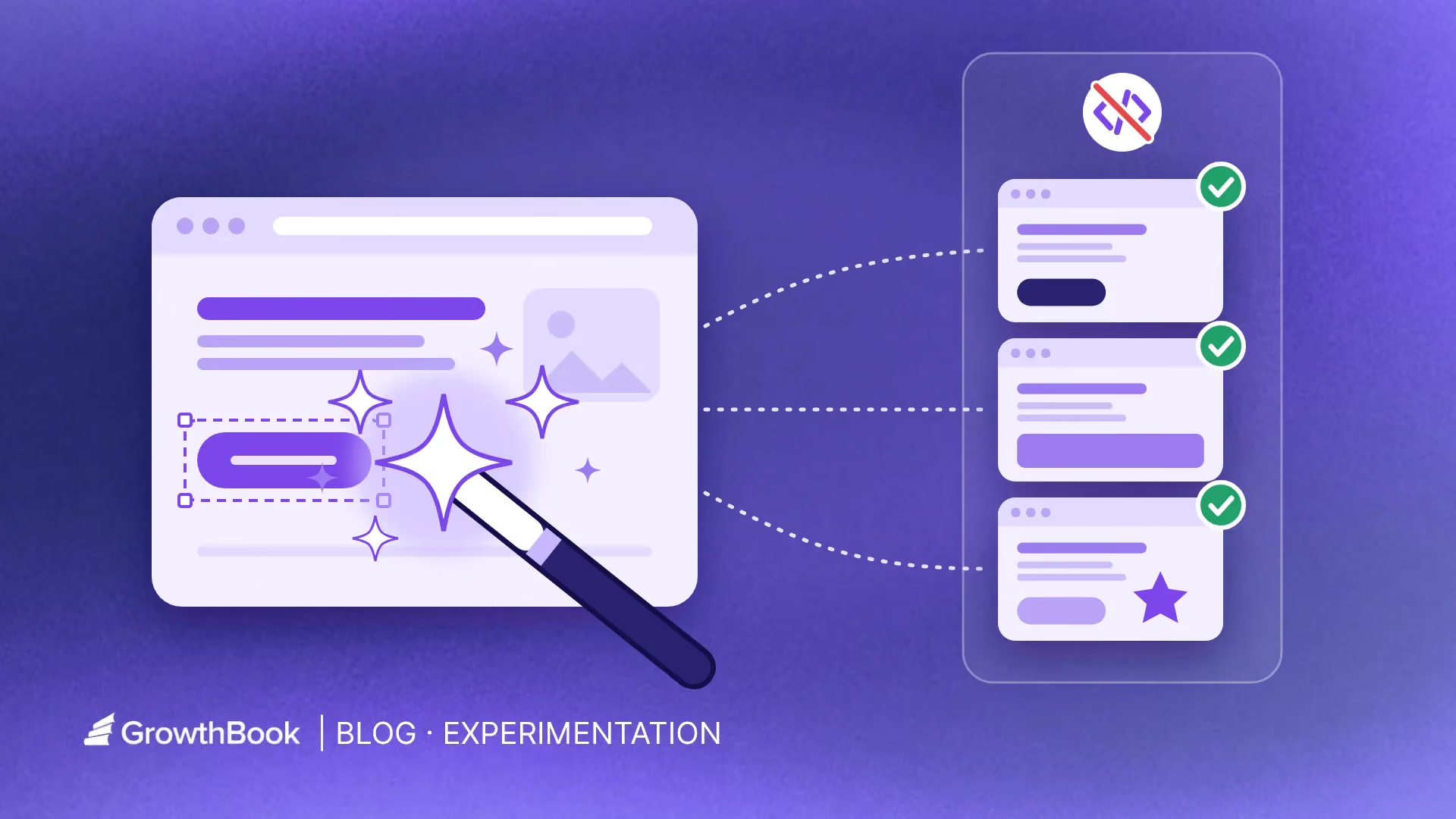
An AI visual editor for A/B testing lets the marketer build that variation without a developer. The marketer describes the change in plain language, the editor applies it to the live page, and the variation runs as a standard experiment, with the same assignment and analysis as any other test. AI visual editors aren't the right tool for tests that change how the product works, such as a new pricing model or checkout flow. But they make A/B testing without developers possible for marketers, product managers, and designers testing copy, layout, calls to action, and simple design elements such as colors, fonts, and images.
Here’s a quick intro video on GrowthBook’s AI Visual Editor.
Why experiment ideas die at the build step
Experiment ideas that need engineering compete with planned product work for developer time, and planned product work often takes priority. Engineering capacity is a typical bottleneck at the build stage of an experiment, even for a change as small as new headline copy.
Because developer time is limited, teams save it for larger changes, such as a referral program that gives customers account credit for inviting friends, or a usage dashboard that shows customers how much of their plan they've used. They deprioritize the small iterations that continuous optimization depends on, such as a new hero image or a repositioned call to action.
What AI visual editing actually does
Visual editors have long been a standard feature of conversion optimization tools. An AI visual editor lets team members without coding experience build a test variation on the live page, either by describing the change in an AI prompt or by selecting an element on the page and changing its text, style, or layout in a what-you-see-is-what-you-get (WYSIWYG) editor.
Turns a plain-English prompt into a variation
In an AI visual editor, you describe the change you want, and the editor edits the page to match. From a prompt such as “move the customer testimonials above the pricing table and make the Start Free button larger,” the editor produces a variation you can preview on the live page before you accept it. In GrowthBook's AI Visual Editor, you can also select an element on the page to focus the AI's changes on that element.
Writes the copy and generates the images
An AI visual editor can write alternative headlines, call-to-action (CTA) text, and body copy for a variation, so copy testing doesn't wait on a copywriter. It can also generate a new image from a prompt or edit the image already on the page. In GrowthBook, an admin chooses the image model, such as Gemini, GPT Image, Imagen, or Grok, and each generated image is sized to fit the image it replaces. Accepted images are stored in a shared image library and served from a CDN, so the team doesn't need a designer to create and host each image.
Updates calls to action and layouts
An AI visual editor can also change calls to action and page layout. You can relabel or restyle a button, change where a link points, move a CTA higher on the page, reorder sections, or hide a section. GrowthBook's editor also has a manual mode with point-and-click controls for content, typography, layout, and visibility.
Turns a Figma frame or mockup into a variation
When a designer has already mocked up the variation, GrowthBook's editor can turn a Figma frame or a mockup image into a testable component and place it on the page, without a developer rebuilding the design in code first.
Builds new tests from past experiment results
An AI visual editor can apply what a team has learned from past experiments to a new test. A team can ask GrowthBook's in-app AI assistant or MCP server to find a past winning test, such as a homepage test last quarter that found that moving testimonials above the fold increased signups. The team can then use the visual editor to apply the same change to a new landing page. GrowthBook's AI experimentation features can also generate experiment ideas, refine hypotheses, and recommend future tests based on the outcomes of earlier experiments.
Shows every change before anything goes live
An AI visual editor lists every change it makes, so the team can review them before launch. In GrowthBook, the changes appear in a change list for each variation, where you can review, edit, accept, reject, or delete each change. Preview links let a teammate check the variation on the live site before launch, and the editor displays a warning when someone edits an experiment that is already running. Teams that use approval workflows can send a variation to designated reviewers for QA review, so a visual change gets sign-off before it goes live.
Are visual-editor tests only cosmetic?
Visual-editor tests are not limited to cosmetic changes, because a page's UI shapes what visitors do on it. In a 2012 Bing experiment, a change to how ad headlines were displayed increased revenue by 12%, worth more than $100 million a year in the US. A team that can launch a copy test in an afternoon can run small tests more often, and the gains from successive winning tests compound, because each change the team ships raises the baseline that the next test builds on.
Watch GrowthBook in 5 minutes
See how visual experiments, feature flags, and warehouse-native analysis fit together in one platform.
Watch the Video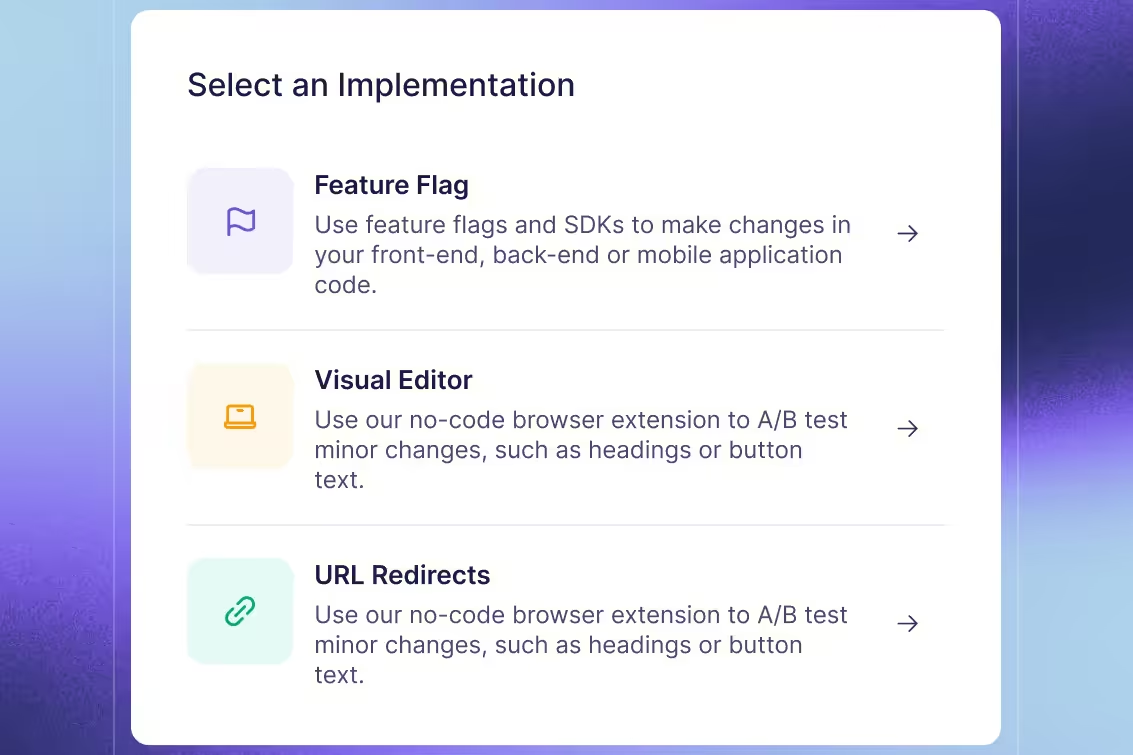
What AI visual editing does not solve
AI visual editing only changes what a page displays in the browser, so teams can't use it to test changes that depend on backend logic or data, and its edits can conflict with frameworks that re-render the page.
Complex logic, pricing, and backend behavior still need code
A visual editor edits the page a visitor sees. It can change the text that displays a price, but the amount charged at checkout comes from server code. Restructuring checkout, changing which features a plan includes, and testing a new recommendation algorithm all require engineering, so teams should run those tests with feature flags implemented in code.
Single-page apps can fight the editor
Visual tests can run on single-page apps, but on pages the app re-renders often, the app can overwrite the editor's changes. Single-page apps built with frameworks such as React, Vue, or Svelte re-render parts of the page whenever the app's data changes, and a re-render can replace the edits a visual editor applied. Heavily client-rendered apps can flicker or conflict with the SDK as a result, so feature flags implemented in code are usually more reliable for those pages.
AI can write the variation, but a human should write the hypothesis
An AI visual editor can build a variation from a prompt, but the person running the experiment still decides what to test and how to evaluate it. Before launch, the test owner writes a hypothesis that explains why the change should affect user behavior, selects the primary metric, and defines the decision criteria.
Winning variations should be rebuilt in code
A visual change only appears on the page while the SDK applies it. When an experiment ends, a temporary rollout can keep delivering the winning variation to all visitors through the same SDK until the team rebuilds the change in the site's own code. If a winning variation stays in the editor long term, later website updates can break the edits without warning, overlapping visual changes become hard to debug, and search engines don't index changes made through GrowthBook's Visual Editor. After the experiment ends, the team should rebuild the winning variation in code, in the CMS, or behind a feature flag.
How to keep results trustworthy when anyone can launch a test
Opening experimentation to more people requires safeguards. Tests built outside engineering need the same QA and metric standards as any other test, because building tests without engineers also eliminates the code review that typically catches broken variations and inconsistent metric definitions.
Prevent flicker by applying changes before the page loads
In a client-side test, the browser loads the original page first, and the SDK changes it into the variation afterward, so visitors assigned to the variation can briefly see the control's content before the variation replaces it. This brief display is called flicker, and it can distort an experiment's measured effect. Those visitors see both versions, and the switch itself can draw attention to the changed element and inflate the variation's measured effect.
Anti-flicker scripts prevent flicker, but they slow down the page. The script hides the page until the variation is applied or a timeout passes, typically 1 to 4 seconds, and visitors see nothing until then. Slower pages lose revenue. A Bing experiment that deliberately slowed pages showed that every 100 milliseconds speedup improves revenue by 0.6%. Because page speed alone affects user behavior, the control and the variation must load with the same delay. If the variation loads more slowly, the test measures the slowdown along with the change, and the measured effect is biased.
Applying the variation before the page reaches the browser avoids both flicker and the slowdown from anti-flicker scripts. Depending on the tool, the variation is added during server-side rendering or by an edge worker, so the first version of the page a visitor sees already includes it. GrowthBook's edge SDKs apply visual experiments this way, before the HTML reaches the browser.
QA across page states before launch
A visual change that displays correctly in one desktop browser can display incorrectly on mobile, for logged-in users, or after part of the page updates without reloading, such as when a visitor filters a product list or opens a tab. Before launch, check the variation in the page states your visitors encounter, such as mobile and desktop, logged-in and logged-out sessions, in-page updates, and keyboard and screen-reader use. Forms and buttons should still work, each visitor should stay in one variation, and the exposure event should only fire when the visitor can see the change. GrowthBook's visual editor can preview the variation on mobile, tablet, and desktop screens, and its full pre-launch QA checklist also covers other browsers, translated text, analytics events, and consent.
Use shared metrics and review tests before launch
Tests launched without engineering should use the same metric definitions as every other test. When a visual test uses the team's shared metric library, including guardrail metrics, its measured effects are comparable with the effects measured in the team's other experiments. Tests on high-traffic pages should get a lightweight review, in which a second person checks the hypothesis, the metrics, and the variation before launch.
See a visual test go live
Join a live demo to watch a variation built in the AI Visual Editor launch with shared metrics and guardrails.
Pick a Demo Date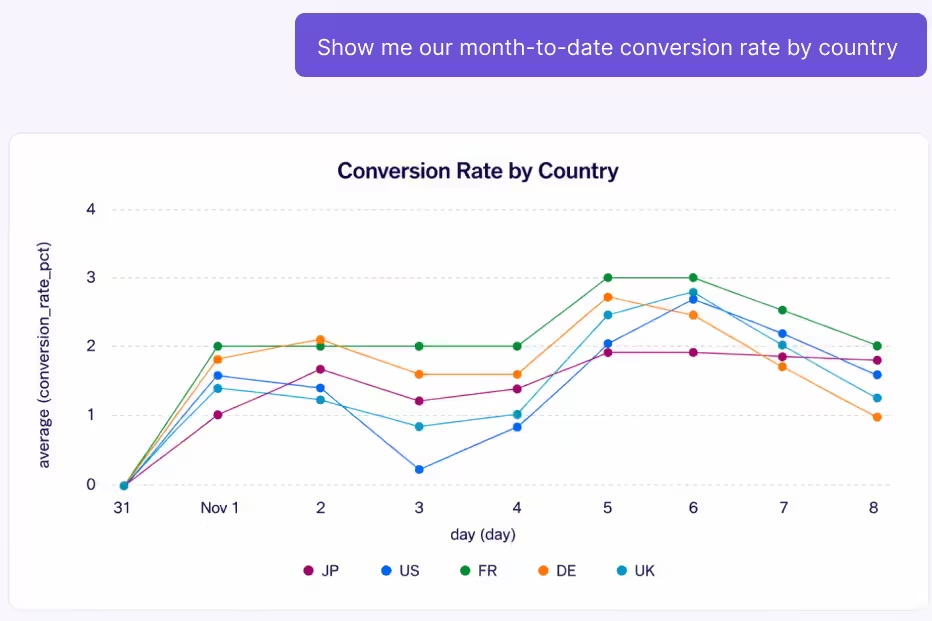
Which tests belong in a visual editor and which belong in code
A visual editor is the right tool for A/B testing when a test only changes how a page looks or what it says, and code is the right tool when a test changes how the product works. Landing page testing is a natural fit for a visual editor, because landing page tests usually change copy, images, and layout.
A visual editor test can also measure demand for a business change before the team builds it. For example, an automotive maintenance company considering a pickup and drop-off service could add “Collection and delivery available” to its homepage CTA and measure whether signups increase before committing to developing it. For product managers, this is a way to test a new feature without building it first.
| Visual editor | Code (feature flags) |
| Headlines and body copy | Pricing and discount logic |
| Images | Checkout flow |
| Layout adjustments and section order | Authentication and account logic |
| CTA text, styling, and placement | Search and recommendation algorithms |
| Link and button destinations | Backend or API behavior |
| Showing or hiding a section | Anything that needs new data or tracking |
A full-page redesign is possible in a visual editor, but layering that many edits on top of the existing page makes the variation fragile. For large redesigns, a team can build the new page in its CMS and run a URL redirect test, which is set up in GrowthBook without code and sends a share of visitors to the new page's URL while the rest see the original.
How to tell whether AI visual editing actually raised your experiment velocity
AI visual editing has raised your experiment velocity if more tests launch each month and each test reaches launch sooner, while the quality of those tests stays the same.
- Tests launched per month: Count the experiments that start each month, and compare that number with the months before the team adopted an AI visual editor.
- Idea-to-live time: Measure the days between writing up a test idea and starting the experiment. AI visual editing should shorten the build portion of that time.
- Share of tests built without an engineer: Measure the percentage of launched tests whose variations were built entirely in the visual editor.
If idea-to-live time doesn't decrease, the build step wasn't the bottleneck, and another stage of the experiment lifecycle is the bottleneck.
Higher velocity is only an improvement if test quality stays the same, so track win rate and test quality alongside the velocity measures.
- Hypothesis written before launch: Track the share of tests with a written hypothesis and a selected primary metric before launch.
- Full sample size reached: Track the share of tests that reach their planned sample size.
- Invalidated by setup problems: Track the share of tests discarded because of a QA bug or a sample ratio mismatch (SRM), an uneven split between variations that usually indicates a broken setup.
Win rate can fall as a team runs more experiments with smaller interventions, because smaller interventions can produce smaller effects, and fewer small effects reach statistical significance at the same sample size. If win rate falls, check the three quality measures. If tests still have a written hypothesis, still run to their planned sample size, and rarely fail because of setup problems, the change in the mix of tests is the likely cause. The number of winning tests per month is a better measure than the win rate. For example, a team that increases its volume from 10 to 20 tests per month while its win rate falls from 30% to 20% produces 4 winning tests per month instead of 3.
How GrowthBook's AI Visual Editor works
GrowthBook's AI Visual Editor runs as a Chrome side-panel extension on your own site, with an AI mode for plain-language prompts and a manual mode for point-and-click editing. After a one-time SDK installation, growth and marketing teams can create, preview, and launch no-code A/B tests from the extension (Available on Pro and Enterprise).
- Suggestions from past experiments: GrowthBook’s in-app AI assistant and MCP server can generate experiment ideas, refine hypotheses, and recommend future tests based on past results. Teams can then build those changes in the visual editor.
- AI images: The editor generates or edits images using an outside image model that your organization's admin selects, such as Google's Gemini or Imagen, OpenAI's GPT Image, or xAI's Grok. Accepted images go to a shared image library served from a CDN.
- Change list and preview: The editor lists every change in each variation, and you can review, edit, accept, reject, or delete each change. Before launch, teammates can check the variation through a preview link, and a debug panel helps diagnose problems. After launch, the editor warns anyone who tries to edit an experiment that is already running.
- Prompt-based changes: You describe a change in plain language, and you can select an element on the page to focus the AI's changes on that element.
- Manual editing: Point-and-click controls cover content, typography, layout, background, classes, links, and visibility. Advanced users can add custom CSS or JavaScript.
- AI copy: The editor generates alternative headlines, CTA text, and body copy for each variation.
- Figma and mockup import: The editor turns a Figma frame or mockup image into a testable component on the page.
- Stable selectors: The editor targets stable attributes rather than build-generated class names, so its changes are less likely to break after the next deploy.
- Review and permissions: Teams can send a variation through an approval workflow for QA review. Role-based permissions control who can edit, and audit logs (Available on Enterprise) record who changed what.
- Languages and dark mode: The editor interface is available in English, German, Spanish, and Portuguese, with an optional dark mode.
Visual experiments run through the same SDK your site already uses. GrowthBook supports them in its Script Tag, JavaScript, and React SDKs and in its edge SDKs. To enable them, turn on the Include Visual Experiments setting for the SDK connection.
Edge SDKs and client-side SDKs deliver visual changes at different points in the page load. Edge SDKs apply the variation before the HTML reaches the browser, which eliminates flicker. Client-side SDKs apply the variation in the browser, but teams can reduce flicker by loading GrowthBook early in the page and using an anti-flicker script.
Visual experiments use the metrics and templates your data team has already defined, and GrowthBook analyzes their results with the same warehouse-native stats engine as every other experiment. When a variation wins, GrowthBook can keep serving it to all visitors through a temporary rollout until the team rebuilds the change in code or behind a feature flag.
Join a live demo or try GrowthBook for free to see how the AI Visual Editor fits into your experimentation program.

Related articles


Ready to ship faster?
No credit card required. Start with feature flags, experimentation, and product analytics — free.