Ship and test AI features in production
Your AI feature passed offline evals. See how to test it on real traffic, expose it to a small cohort, and decide whether to roll it out.
Read the guide for your next step
Go deeper on shadow testing, staged releases, and live experiments.
Dark launch the feature
Test your AI feature on live requests in the background before users see its output.

How a support assistant earns more traffic
A new support assistant passes offline evals. Follow it from background traffic to an experiment that measures whether it resolves more issues.
Shadow traffic
The current assistant answers every user. The new one processes a sample of real requests in the background. Review its answers for accuracy and missed handoffs.
Advance Sampled answers meet your quality bar and you’ve addressed serious failures.
Canary release
A feature flag serves the new assistant to a small group. Watch errors, p95 response time, and whether tough cases reach a support agent.
Roll back If an agreed guardrail is breached, switch the cohort back to the current assistant.
Live A/B test
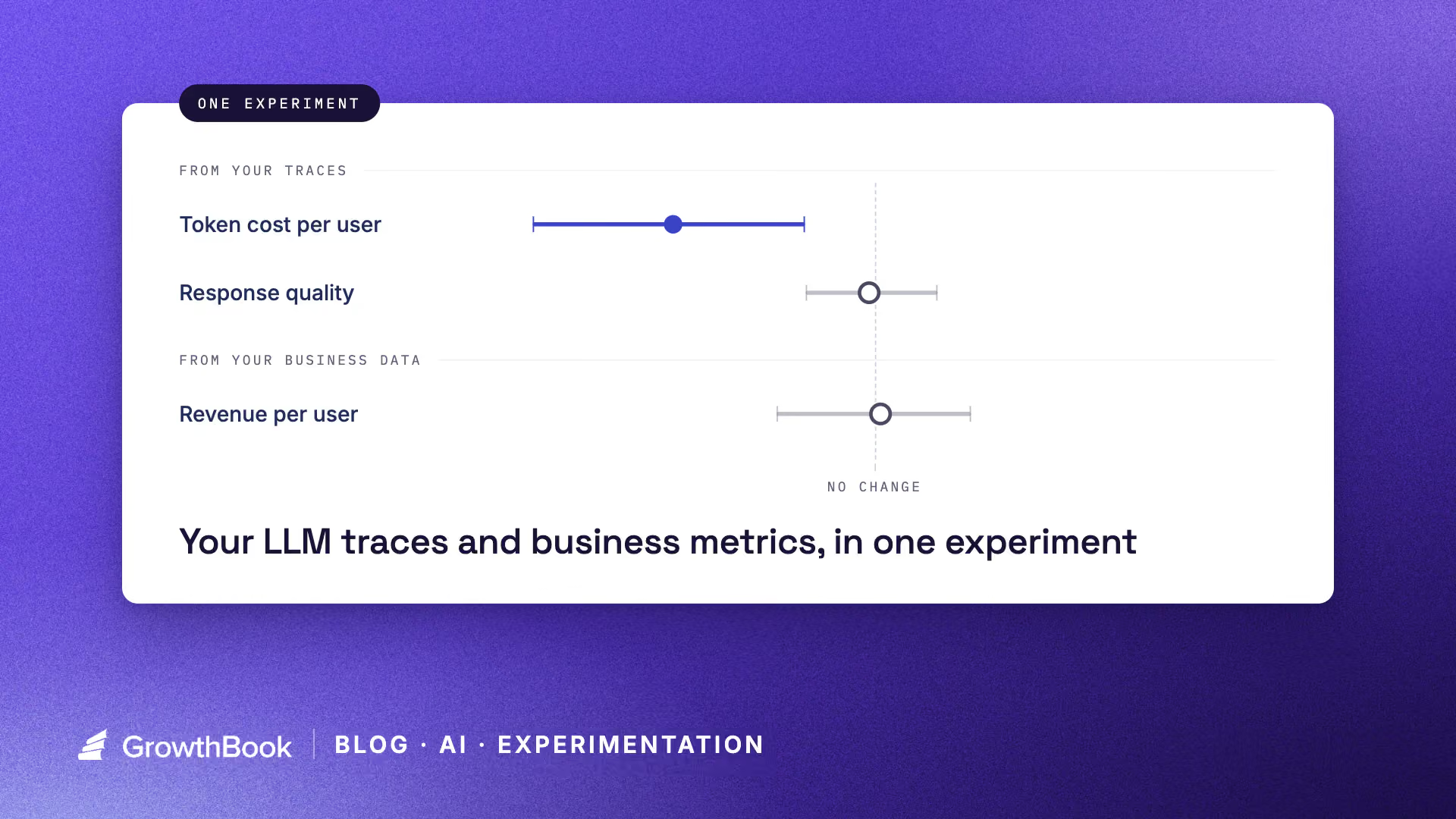
Randomly assign eligible users to the current or new assistant. Compare issue resolution, with error rate, latency, and cost as guardrails.
Decide Expand when resolution improves meaningfully and guardrails hold. Keep exposure steady if the evidence is inconclusive.
Before changing who sees the new assistant, choose your success metrics and guardrails.
FAQs
A dark launch runs the new version in the background while users see the current experience. A canary release serves the new version to a small group so you can watch for regressions before expanding exposure.
Control who sees your next AI release
Start with a small cohort, watch guardrails, and expand exposure when you’re ready.