Free feature flags for coding agents

Ask your coding agent to hide an unfinished checkout and it can do that with one line of code.
If everyone should see the old checkout until the next deploy, a simple on/off switch is enough, and there’s nothing new to install.
Then someone asks, “Could we try it with 20% of Safari users in the UK?”
Either way, you’ll test that the right shoppers get the new checkout. If your agent builds the rollout logic from scratch, your team also has to test and maintain the code that keeps each shopper in the same group on their next visit.
With GrowthBook’s free, open-source feature flag SDK, your agent still writes the rules in your repo. The SDK applies them inside your app using targeting and rollout logic that teams already run in production. No GrowthBook account, API key, or connection to a flag server is required.
What your agent would otherwise build by hand
The hard part of “20%” is what happens when a shopper refreshes halfway through paying. Pick a random number on every page load and they could start in one checkout and finish in another.
- “Just Safari users in the UK.” Your app supplies the browser and country. Your agent defines the audience once, and the cart and checkout can both use the same flag.
- “Start with 20% of them.” The SDK uses a stable ID to give each eligible shopper the same checkout on repeat visits. Widen the rollout to 50% and the original group stays in.
- “Why is the old checkout still showing?” A typo like
newChekoutis easy to overlook in review. With typed flags, TypeScript catches the misspelled name before the change ships. - “Everyone’s on the new checkout. Can we delete the flag?” Remove the flag from the project’s types and TypeScript points to the code that still reads it. Your agent has a concrete list of places to clean up.
You can review the audience and rollout percentage in the same pull request as the checkout itself. Jeremy Dorn explains how the SDK catches those typos if you’re curious about the TypeScript behind it.
Try it with one flag
Pick a feature you’d like a few people to try. Give your agent the setup guide and it can add the flag, set the audience, and test who gets each version.
Open the Agent Guide
Copy prompt for your coding agent
Open the project where you want your first flag, then give your agent this prompt. You can also copy it directly from the guide.
What to check in the pull request
Have your agent show you the checkout in three situations:
- A UK Safari shopper in the rollout sees the new checkout
- Someone outside the UK sees the old checkout
- Both can refresh the page halfway through paying and stay in the checkout they started in
The guide includes setup examples for browser JavaScript, React, Node.js, and Next.js.
When you need to turn a flag off between deploys
There’s one good question to ask before you keep a flag in Git. If checkout starts failing on Saturday, can the person on call wait for a deploy? With a local flag, changing the rules means shipping a code change.
If that wait is too long, move the flag definitions into GrowthBook Cloud or a self-hosted instance. Connect the SDK and the flag checks your agent already put in the app keep working, and your team can now manage the rollout as it happens.
- Turn the new checkout off from a browser. With streaming updates enabled, connected apps pick up the change without another deploy.
- Find out which checkout works better. Run an experiment and compare how many shoppers in each group finish paying.
- Watch for payment failures. On supported paid plans, Safe Rollouts can monitor a metric you choose and roll back the rule if it gets significantly worse.
If all you want today is to try the new checkout with a few shoppers, the local file is enough. Give your agent the setup guide and pick the first group you want to try it with.
Change flags between deploys
Give the person on call a way to turn off the new checkout from a dashboard. Connect your app to GrowthBook Cloud when you need that switch.
Start for Free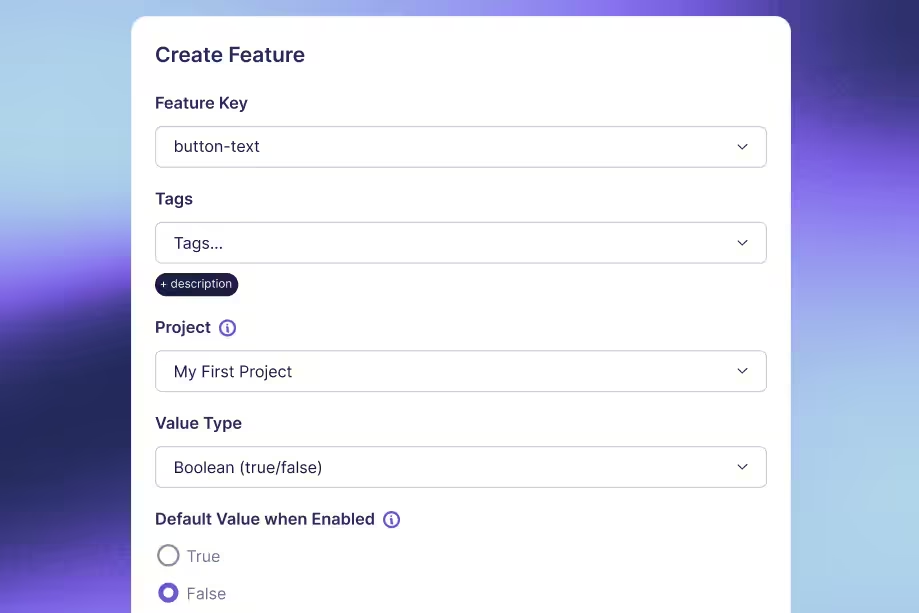

Related articles


Ready to ship faster?
No credit card required. Start with feature flags, experimentation, and product analytics — free.