

New feature: save time with automatic metric generation!
In the fast-paced world of software development, staying ahead of the competition and continuously improving your product is crucial for success. One of the most powerful tools at a software company's disposal is feature flagging and experimentation. These practices allow teams to release new code with confidence, gather valuable data, and make data-driven decisions to optimize key performance indicators (KPIs). However, before an organization can make experimentation a core activity, they need to go through the time-consuming process of building a robust metrics library.
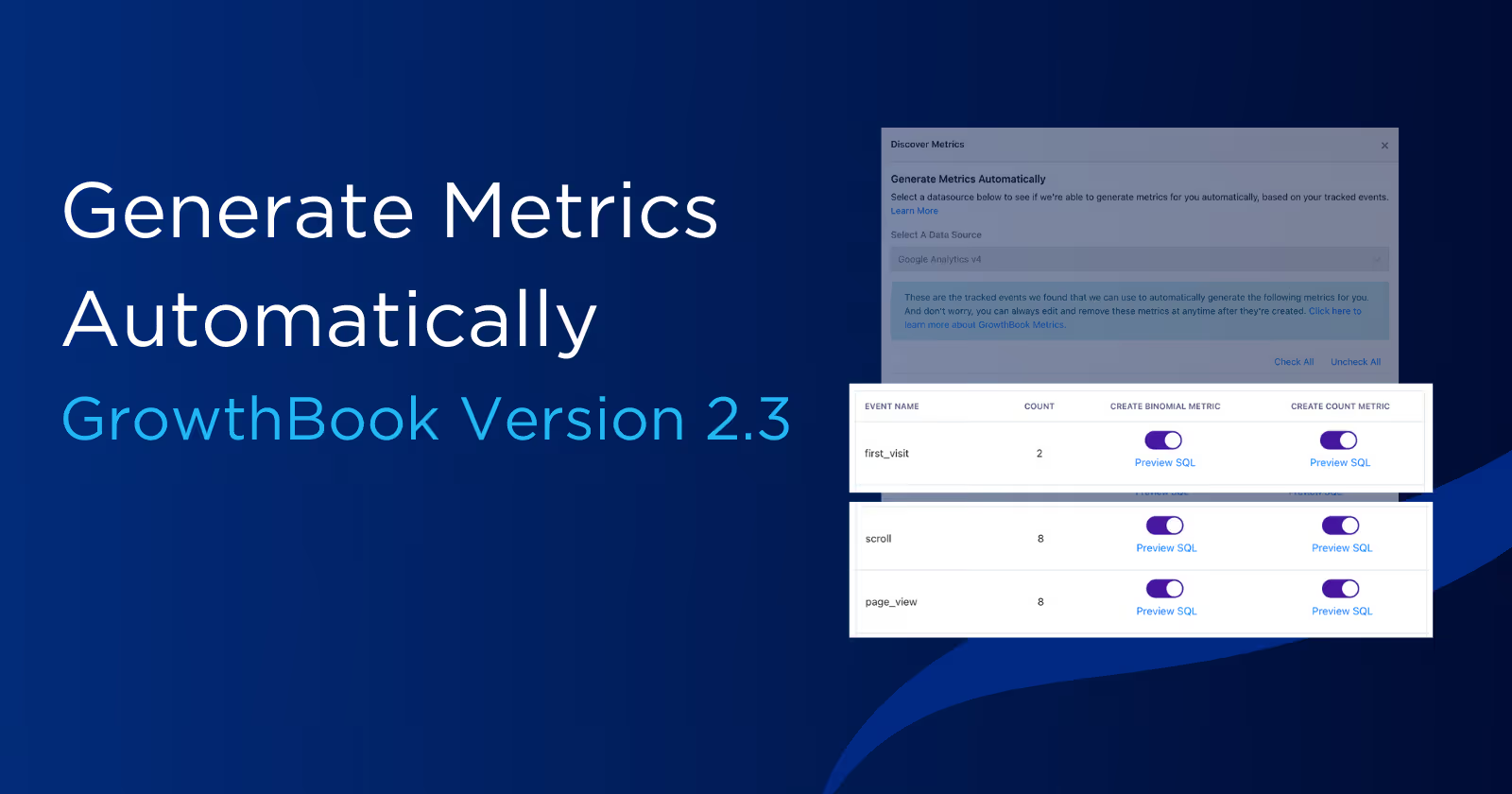
Automatic Metric Generation, a new feature in GrowthBook, jump-starts this process. Teams using Segment, RudderStack, and Google Analytics 4 (GA4) can automatically have tracked events turned into metrics for use in GrowthBook.
How automatic metrics work
Before we hop into exactly how GrowthBook can automatically generate metrics for your organization, we need to outline how GrowthBook works. At its core, GrowthBook handles data a bit differently than other feature flagging and experimentation platforms: instead of organizations sending event data to GrowthBook, GrowthBook operates on a bring-your-own-warehouse model. Meaning, you continue to track your events as normal and connect GrowthBook directly to your data warehouse, and GrowthBook will query it directly via safe, read-only queries.
This not only simplifies your event tracking but also eliminates the need to store tracked events in multiple places, resulting in much lower storage costs.
GrowthBook's warehouse-native structure, paired with the well-documented schemas used by Segment, RudderStack, and GA4, allows us to identify unique events tracked and use those to automatically create metrics.

Example: An organization tracks page_view and purchase events via Segment, which are sent to the events table. GrowthBook can then automatically create two metrics from each event tracked by Segment.
countmetrics: This metric sums the number of each type of event fired per user. For example, how manypage_viewevents did this user have in total?binomialmetrics: This metric counts whether a user fired at least one of these events. For example, was this user someone who fired anypurchaseevents or not?
Automatic Metric Generation is currently only available with GrowthBook Data Sources connected to Segment, RudderStack, and GA4. Additionally, GrowthBook only identifies unique events that your application has tracked in the last 7 days.
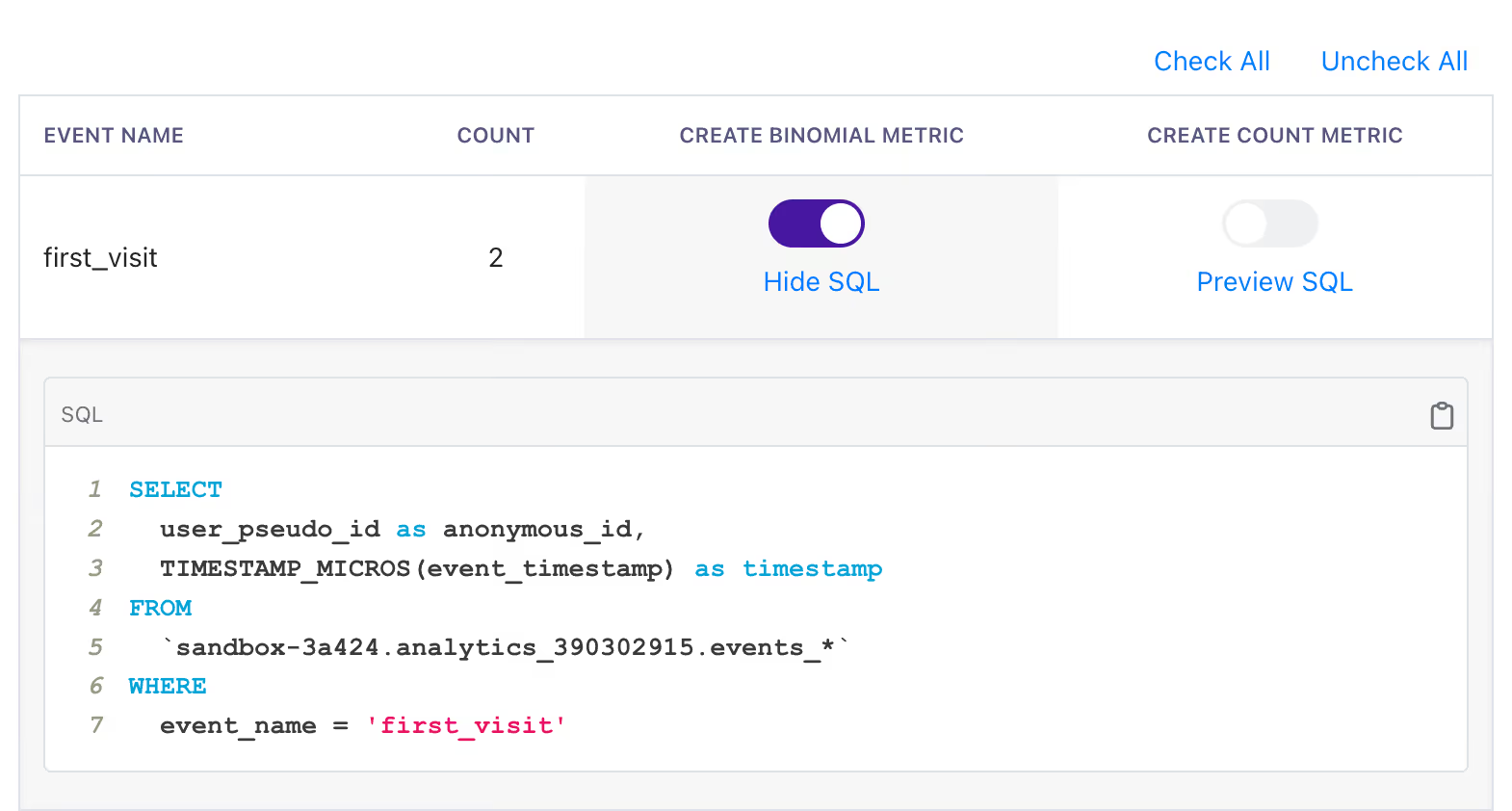
When it comes to metrics, we know that you ultimately know your organization and your users best. So you can always preview the underlying SQL for an automatically generated metric, and once created, you can always edit the SQL just as you would a normal metric. You are also free to create new, more complex metrics yourself!
Give it a try
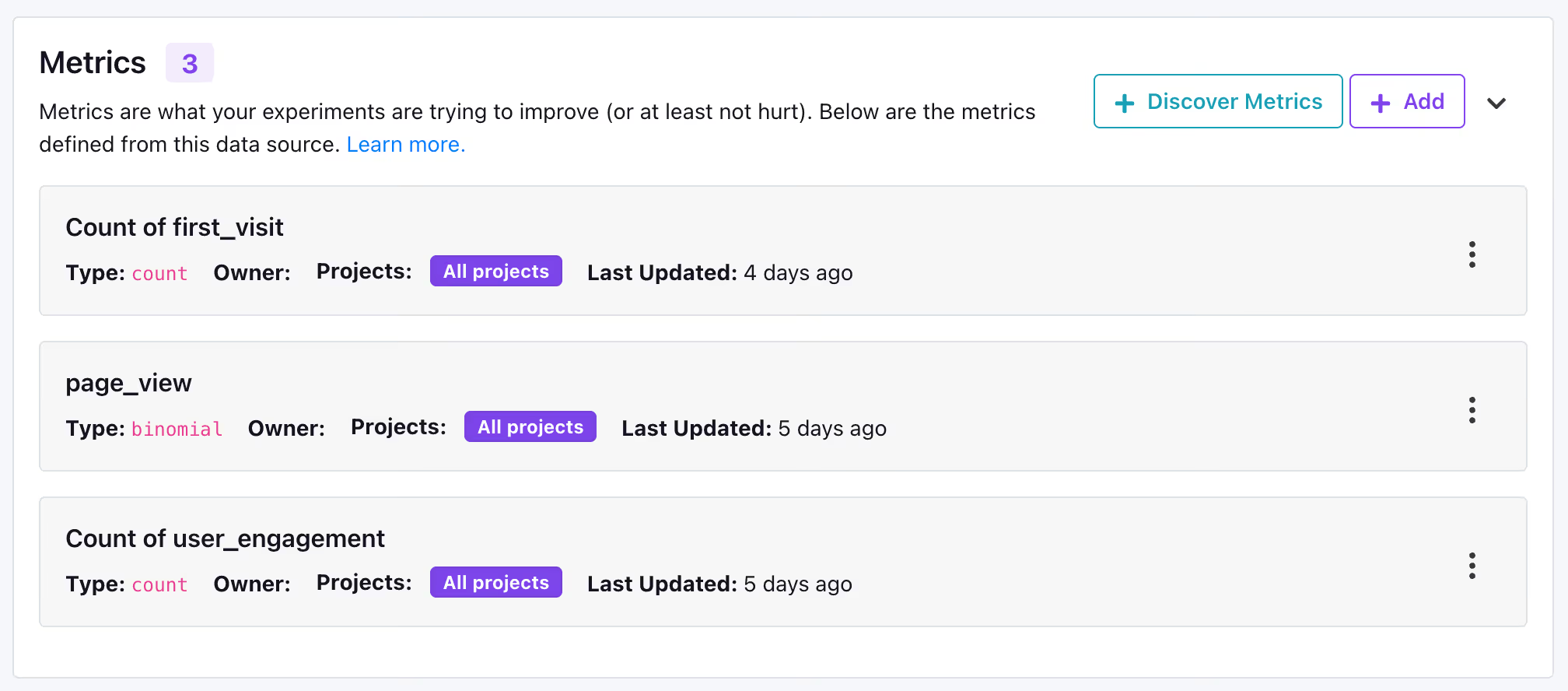
See what metrics GrowthBook can create for your organization in three easy steps.
- Confirm you have a Data Source in GrowthBook that receives events from Segment, RudderStack, or GA4.
- On the Data Source page, click the
Discover Metricsbutton. - Follow the on-screen prompts to preview which metrics can be automatically generated for you.
We are working to expand automatic metrics to additional event trackers and data source types, so keep an eye out for updates.
Join our User Slack if you have any questions.
Not a GrowthBook customer? Try it out, completely free today.
Have an idea to make this better, or another feature of GrowthBook - submit a GitHub issue.
Related articles

Ready to ship faster?
No credit card required. Start with feature flags, experimentation, and product analytics — free.

